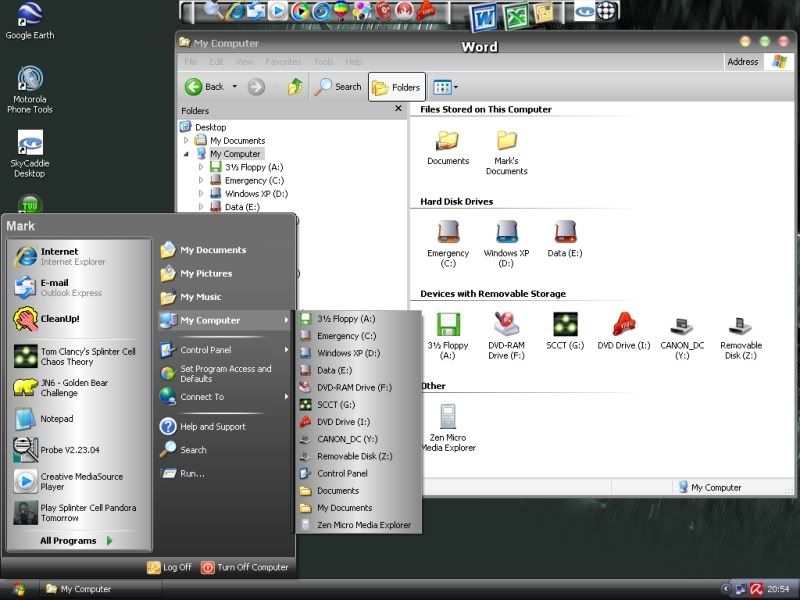
You cannot edit what programs are there, it will add them there by itself depending on the programs you run - the ones you use most often go there hence why it's called the recently used list
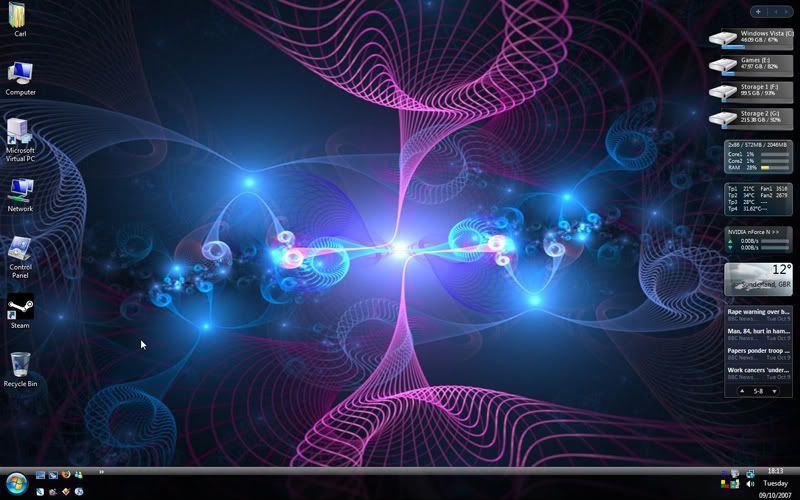
There is a registry value "nouserinstrumentation" which disables tracking of items for the start menu. Then, only items that you drag and drop there will appear. You still have to tweak the amount of recent items shown in "customize start menu" settings or you'll have a lot of free space. It's something I've always done with my windows installs, so I don't get a load of crappy non-matching icons screwing up my mods. See it in action on one of my old screenshots here!
Fairly easy in any image app, just crop the pic you want, then add a white border to it, the rotate as you want, I think he just used layers of the same image, then add a bit of shadow effect, plonk it on the background.
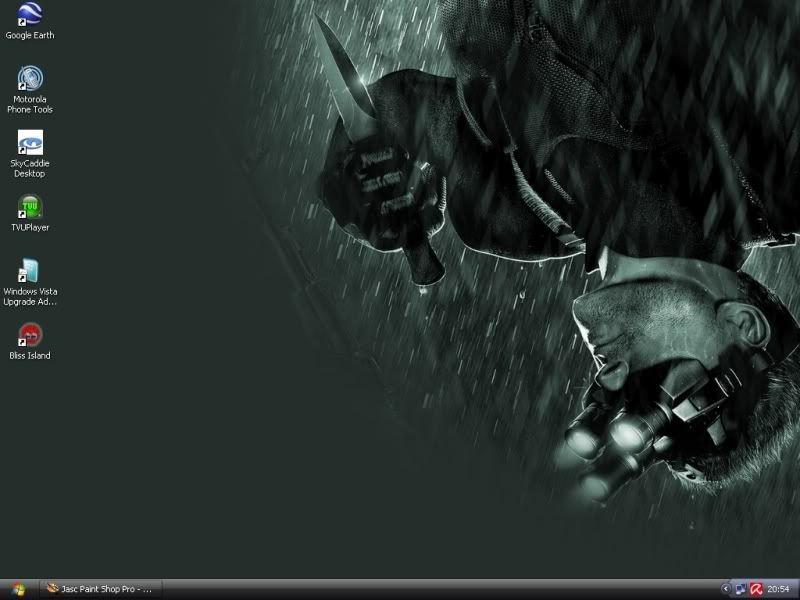
My current XP desktop.
Msstyle
I could not find a theme i liked totally, so my current theme is a mixture of themes found on the web, some minor gfx work on my part and 3 weeks of trial and error with ResEdit
Wallpaper is again a modification of artwork found on the web. I was experimenting using masks in PSP that week.
Its funny, looking at my desktop now, its no wonder I liked the look of vista immediately.
This site uses cookies to help personalise content, tailor your experience and to keep you logged in if you register.
By continuing to use this site, you are consenting to our use of cookies.