What retro things have you done today?

Was having a retro itch so I dug a few bits out of storage.

Pentium 3 Coppermine 1GHz with 768mb of RAM and a bunch of SCSI devices, used to be some kind of server.

Had 98 on it, installed fresh XP Pro.

Put a Rage Fury Pro 128 in it at first, but it was a bit too weak, so now it has a GeForce 2 MX in it.

Pretty good 'little' Half Life system now!

KWhn3hVr_o.jpg


Also using my 21" Dell D1626HT which is a re-branded Sony Trinitron GDM-500PS, my Compaq MX11800 which is a re-branded Cherry with MX-Browns, and my LoFree Touch PBT mouse! :cool:

 
Updated my list on pricecharting, I sometimes struggle when out and about remembering what I have and don't, usually with sequels, predominantly dreamcast and mega drive.
 
So as I had an afternoon off whilst the wifey worked; and the new SNES PSU had arrived, I tested my entire SNES collection.
So the faulty console is still faulty, and the controller which belongs with it has a worn out start button, but the working SNES and main controller work. The actual slot, as suspected for a 30 year old console is a little tired, and sometimes took a little finangling and multiple cleans to test everything, but either directly or via the FIRE converter basically every game was tested and found working, including save states for the battery games :) F-Zero was the only game which kinda needs the 1mm trick or to go via the fire slot to boot. Realistically the SNES cart slot is just a bit tired, and maybe if I decide to keep it I'll see if I can find a specialist to take a look/replace the cartridge slot, but I was genuinely glad to find every game basically worked.

The only exception was Super Mario RPG which was crashing (the one with the damaged label) now I don't know if that means the cartridge has failed OR if its just not running nicely via the FIRE converter as it's an NTSC game. The game uses an SA-1 chip so is known to be temperamental to run.

BIG ask, but does anyone in here happen to live within a reasonable driving distance of MK, and have a working NTSC SNES [or compatible aftermarket console] they'd be willing for me to test the cart on?

Would be glad to know if the cart has genuinely failed, or if it just doesn't like the adaptor given how notoriously finicky SA-1 and some of the other special carts can be with adaptors.
I wonder if it is worth getting a dumper to back up the carts that still have saves (for now) and also run checks, although not sure if that would help with the SA-1 chip carts.
 
I'd be tempted if a decent one was cheap enough. Any you'd recommend?
SA-1 carts are notorious for not running well via converters/adaptors due to extremely specific timings etc, so I have a stinking suspicion it's not my Mario RPG cart that has failed, rather it's not playing nice via the converter.

Realistically though that's why I asked if anyone had a US SNES they'd let me test with, as that wouldn't be operating with the same caveats and it'd be nice to just know one way or the other, regardless of whether I keep the collection or not :)
 
Last edited:
I've upgraded my last Dual Core HP DC-7900 computer to 8GB RAM although all odd sticks but it works probably not quite Retro yet as its running Debian 13.

I do have a Windows 2000 PC that's a Dual Core 2 Duo with all chip set drivers installed plus working DVD playback.

I will be getting out my old Acorn RISC PC when I get more time as its under lots of junk at the moment I'm also going to get out my Acorn Electrons and set one up and see if I can do something with a Raspberry Pi & Acorn Electron combine the two somehow for a coprocessor for the electron.
 
Last edited:
Was having a retro itch so I dug a few bits out of storage.

Pentium 3 Coppermine 1GHz with 768mb of RAM and a bunch of SCSI devices, used to be some kind of server.

Had 98 on it, installed fresh XP Pro.

Put a Rage Fury Pro 128 in it at first, but it was a bit too weak, so now it has a GeForce 2 MX in it.

Pretty good 'little' Half Life system now!

KWhn3hVr_o.jpg


Also using my 21" Dell D1626HT which is a re-branded Sony Trinitron GDM-500PS, my Compaq MX11800 which is a re-branded Cherry with MX-Browns, and my LoFree Touch PBT mouse! :cool:

Man, what I wouldn't give for a good CRT monitor lol.
 
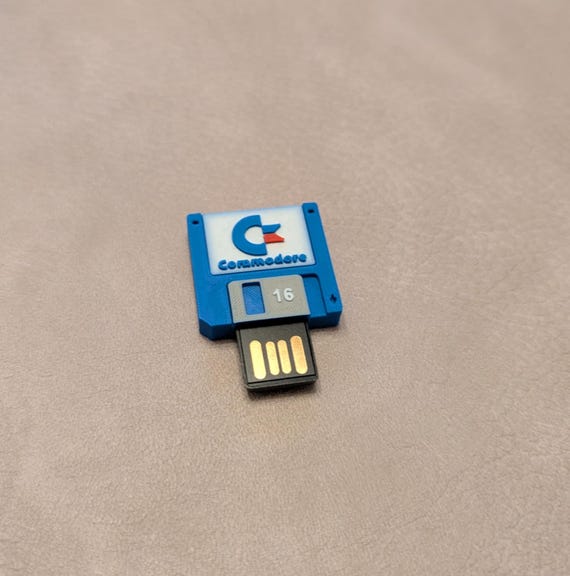
I am downloading Commodore OS its about 10GB thats going to take a while to write the ISO to USB drive... fun times. I can't wait to try it out. I'm going to do a custom Commodore PC build, beige retro PC case with a Commodore loge on the front and another Commodore logo on the keyboard.
 
Man, what I wouldn't give for a good CRT monitor lol.

This one has just stopped working... :o

I've bought a cable to test the other input incase it's just the VGA input, but I doubt it.

Next thing is to carefully take it apart, clean it because it is quite dirty inside, and see if I can spot any physical problems.
 
This one has just stopped working... :o

I've bought a cable to test the other input incase it's just the VGA input, but I doubt it.

Next thing is to carefully take it apart, clean it because it is quite dirty inside, and see if I can spot any physical problems.
I saw a nice Sony CRT dumped in the street a few days ago, I would have taken it if it was closer to where I lived but not knowing if its even working or not and busting a sweat carrying it for miles I left it plus I have too much old computer stuff already.
 
This one has just stopped working... :o

I've bought a cable to test the other input incase it's just the VGA input, but I doubt it.

Next thing is to carefully take it apart, clean it because it is quite dirty inside, and see if I can spot any physical problems.
Oh man that's a shame. Hopefully you can resurrect it.
 
Check for leaky or bulging electrolytic capacitors, shorted transistors can be another thing. It could also be something as simple like dirty pots, a bit of isopropyl alcohol normally sorts that out.
 
Last edited:
Check for leaky or bulging electrolytic capacitors, shorted transistors can be another thing. It could also be something as simple like dirty pots, a bit of isopropyl alcohol normally sorts that out.

It would occasionally click and flicker the screen, like it had damp in the neck connector from storage, but it slowly got less and less frequent until it had more or less stopped, which I've had with other CRTs as well once they start getting used again.

But then I let it sit for a week or so, and when I went back to it, it seemed like it was struggling to display higher resolution images.

On power up, it would display the post text, and the OS loading screen which are I believe 640x480 or so, but when it got to the desktop, it would display it for maybe 10 seconds and then flick over to no input.

If I turned of off and on again, it would display the desktop again for 10 seconds, and then flick over to no input again.

And while I was testing it slowly devolved until it was losing input on boot, and wouldn't display the desktop at all.

The resolution in windows is only set to 1280x1024, nothing crazy, considering this monitor can achieve 2048x1536 or something.

When the picture was shown on the screen, it was immaculate. Which somewhat narrows down the potential issue, but I'm not all that experienced with CRTs, and this one seems quite complicated inside, with a multi-part metal cage around everything inside of the plastic shell, and multiple circuit boards etc...
 
It would occasionally click and flicker the screen, like it had damp in the neck connector from storage, but it slowly got less and less frequent until it had more or less stopped, which I've had with other CRTs as well once they start getting used again.

But then I let it sit for a week or so, and when I went back to it, it seemed like it was struggling to display higher resolution images.

On power up, it would display the post text, and the OS loading screen which are I believe 640x480 or so, but when it got to the desktop, it would display it for maybe 10 seconds and then flick over to no input.

If I turned of off and on again, it would display the desktop again for 10 seconds, and then flick over to no input again.

And while I was testing it slowly devolved until it was losing input on boot, and wouldn't display the desktop at all.

The resolution in windows is only set to 1280x1024, nothing crazy, considering this monitor can achieve 2048x1536 or something.

When the picture was shown on the screen, it was immaculate. Which somewhat narrows down the potential issue, but I'm not all that experienced with CRTs, and this one seems quite complicated inside, with a multi-part metal cage around everything inside of the plastic shell, and multiple circuit boards etc...
I'd definitely be checking those electrolytic caps in that case but as you say not being experienced, if opening it up just be careful because there will be high voltages inside. Leave it for a few days before taking the back off it. Maybe join some Retro computing groups/communities you might be able to find somebody to help you out with repairing it.
 
Last edited:
I'd definitely be checking those electrolytic caps in that case but as you say not being experienced, if opening it up just be careful because there will be high voltages inside. Leave it for a few days before taking the back off it. Maybe join some Retro computing groups/communities you might be able to find somebody to help you out with repairing it.

Will do, thanks :)

I'm fairly confident in taking things apart and such, it's just the fact that it's unfamiliar territory. I'll take a look somewhen when I get an opportunity.

Curiously I just tried it with the VGA to BNC cable I ordered, and I get even less than with VGA. On BNC I just get a blank screen all the time.
 
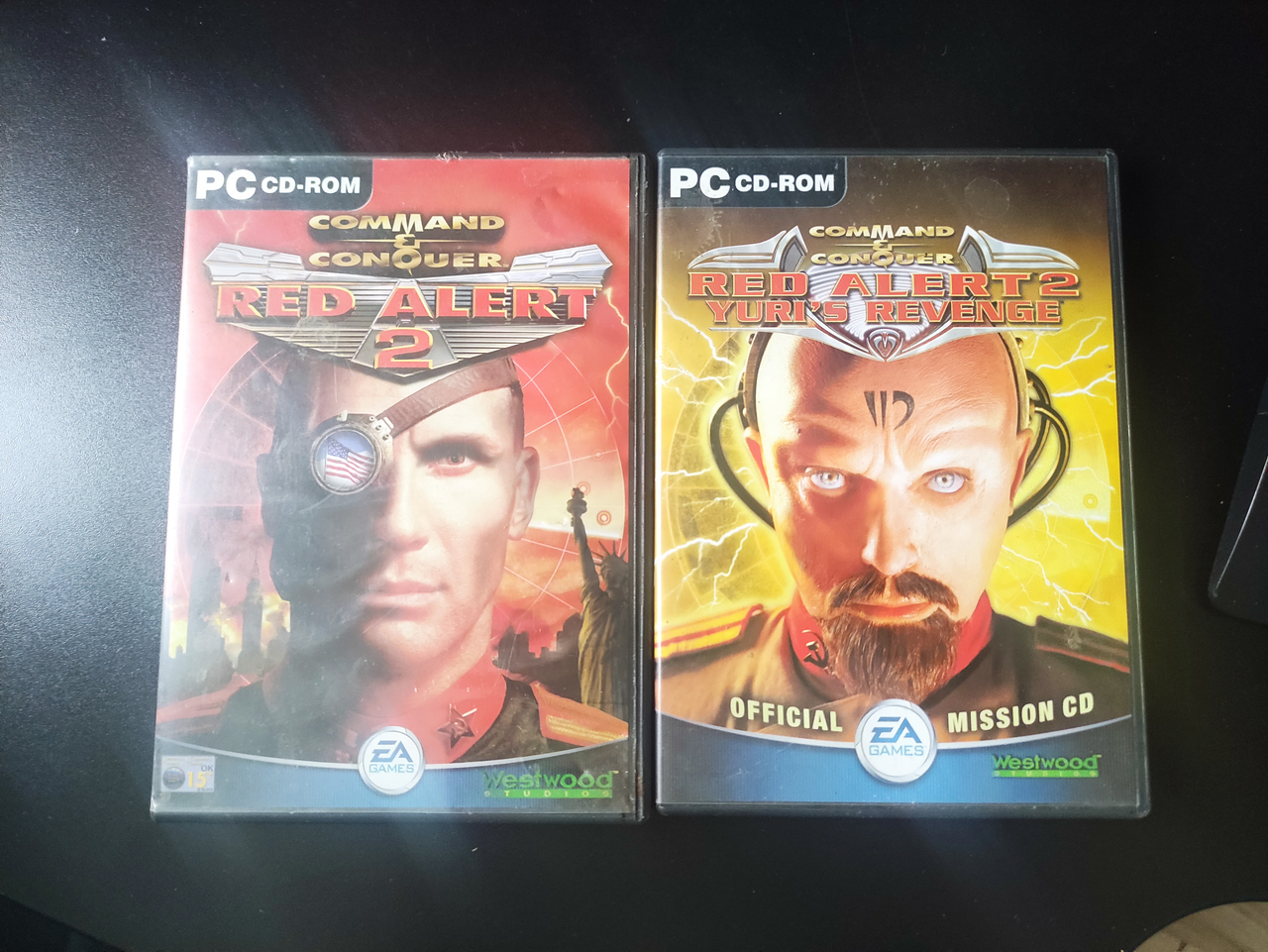
That takes me back to the time my parents went on holiday for the weekend. Of course, I had my friend over and he brought his PC so we could LAN up and play Red Alert 2 all weekend. We spent the entire time troubleshooting his PC because no matter what we did we just couldn't connect via LAN.

Multiple formats and 2 days later it turns out that it was MY network card which had broken :cry:. Whoops.
 
Back
Top Bottom