#Random Linux

I am running Bazzite on my main PC and after a week its looking like I will stay on this full time, Unless CachyOS makes faster progress or I decide I want more power than the immutable OS set up offers.
My question is that Bazzite warns you over NTFS drives and the internet is full of "it works fine for me" and "its a time bomb dont do it". Well I dont plan to use any local NTFS drives. However my "NAS" is actually a windows 11 pc using shared folders so that I can access them with my microsoft login. I can login and access it just fine using SMB but since it is NTFS I dont want to risk any data on there. I dont know enough about any of this to know if it is translated or whatever the correct term is when accessed via the network or if using it from bazzite could corrupt it?
What do you mean by CachyOS makes faster progress? CachyOS by its very rolling release nature will get updates and features quicker than Bazzite.

Don't use NTFS as a file system on Linux. BTRFS and ext4 are popular options with BTRFS being the default for /root on Bazzite. You'll need to research which one suits your needs but BTRFS will be fine.

The FS on your linux system will have 0 impact on your NAS. You can connect to it's SMB shares via mount and cifs.
 
Last edited:

I am running Bazzite on my main PC and after a week its looking like I will stay on this full time, Unless CachyOS makes faster progress or I decide I want more power than the immutable OS set up offers.
My question is that Bazzite warns you over NTFS drives and the internet is full of "it works fine for me" and "its a time bomb dont do it". Well I dont plan to use any local NTFS drives. However my "NAS" is actually a windows 11 pc using shared folders so that I can access them with my microsoft login. I can login and access it just fine using SMB but since it is NTFS I dont want to risk any data on there. I dont know enough about any of this to know if it is translated or whatever the correct term is when accessed via the network or if using it from bazzite could corrupt it?
Whatever is serving the drive through SMB will handle everything for you. It doesnt really matter to the client wether its fat32,ntfs,ext4 or anything underneath it it talks through the smb protocol so dont worry about that. The main thing is people say dont mount your windows drive directly in linux as the ntfs driver isnt perfect.
 
I finally broke something on my install. Completely my fault for messing with keychains. The ability for you to do anything on Linux is also a downside when it lets you do something that kills something. I probably could have fixed it but a new install was quicker and probably needed after all the other "fixes" I'd done after doing anything I wanted and breaking it.

I briefly thought about distro hopping but it would have been change for changes sake. EndeavourOS is just the right amount of Linux nerd for me.
 
I finally broke something on my install. Completely my fault for messing with keychains. The ability for you to do anything on Linux is also a downside when it lets you do something that kills something. I probably could have fixed it but a new install was quicker and probably needed after all the other "fixes" I'd done after doing anything I wanted and breaking it.

I briefly thought about distro hopping but it would have been change for changes sake. EndeavourOS is just the right amount of Linux nerd for me.
I recommend Installing Timeshift, it lets you restore to a known good snap shot. Saved my bacon many times as I am always testing stuff I don't understand :-)
 
I do have Timeshift but to be honest I was at the point of looking for an excuse for a reinstall. The original install was meant to be a testing ground for EndeavourOS so it had a bunch of random bits and bobs installed/removed/part removed but I ended up just using it as a daily driver as it was a stable mess!
 
Last edited:
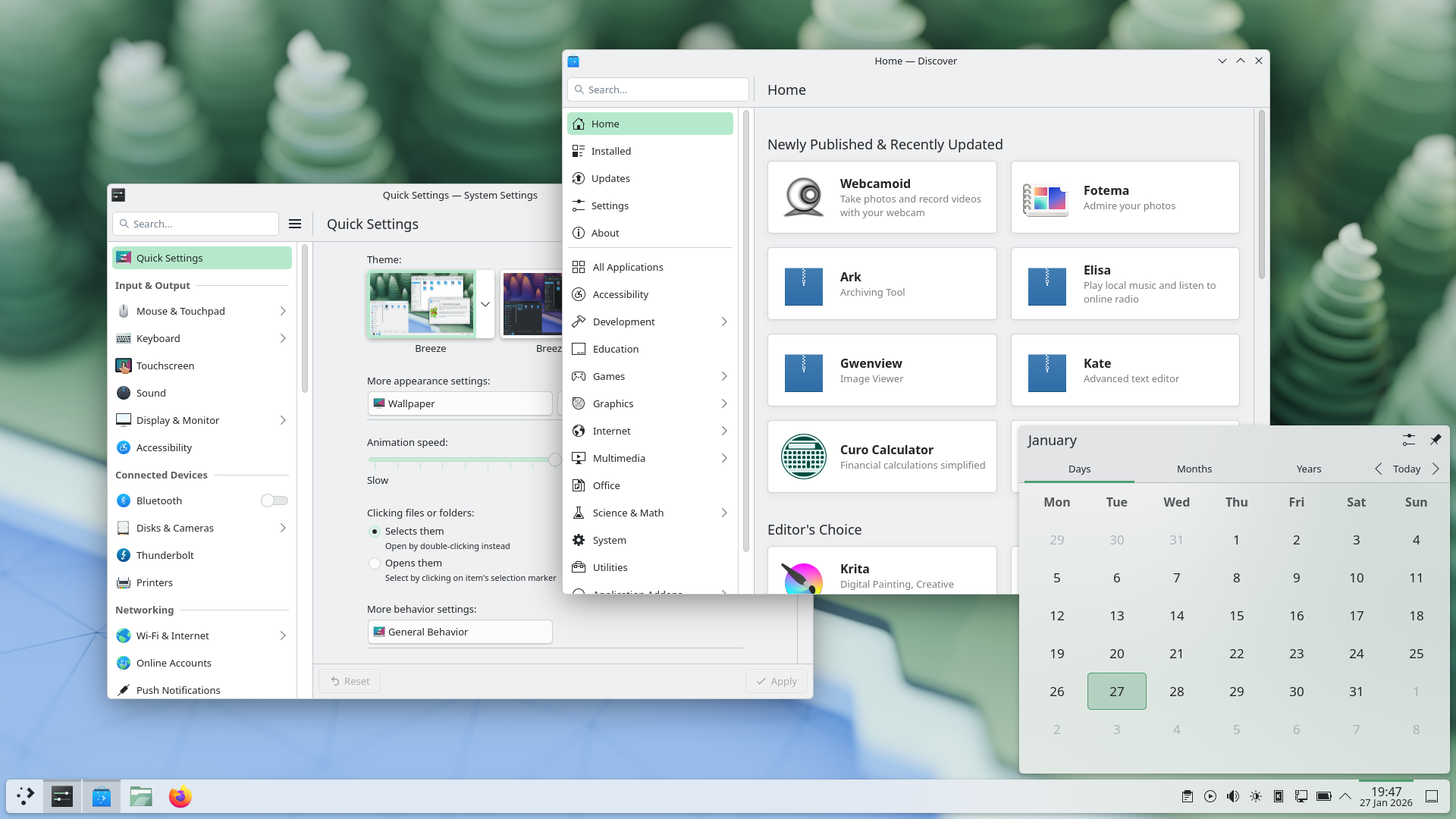
New Plasma release new wallpaper!


I think out of all the new features I'll be using the text extraction tools the most.
 

It was less than four years ago that the modern AMDGPU/AMDKFD open-source driver stack was at four million lines of C code and header files. Now with the Linux 7.0 kernel it has surpassed six million lines. Or put another way, by the same calculations Linux 7.0-rc1 is at 39.2 million with the modern AMD kernel graphics driver now making up 15% of the kernel's entire codebase as the single largest driver.

I knew it was big but i didn't realise it was that big.
 
Last edited:
I've just switched to Linux Mint on my laptop, it's got KDE Plasma 6.6.2, kernel 6.17.0-14 generic (confusing), graphics platform Wayland, it looks so sleek and smooth.

I don't think I want to go back to Window's 11 this looks much better and is much smoother, less irritating notifications too.

The barrier for me has always been the command line, and I've had to use it a lot especially getting Wayland working and switching kernels.

I used Gemini to get through the issues and thanks to AI I can now in a reasonable amount of time get a working installation that is amazing.

My MT7902 WiFi doesn't work though so have to use my phone connected by cable, hoping sometime this year that adaptor will be made compatible.b
 
Last edited:
Shout out for how rock solid Debian is.

Have a mini PC server that runs Debian 12 doing basics tasks; SMB file sharing, a few dockers like Adguard, Jellyfin, Homer etc. I logged in yesterday to find that there were multiple process failures and it could no longer see the internet. My initial suspicions were the hardware and network ports, or my Ubquiti Dream Router not playing nice on fixed IP addresses. Once I realised that wasn't it and the box had a few things wrong; DNS settings broken, PCP-related services stopped so Cockpit was no longer monitoring anything.

Not sure how but it looks like NetworkManager removed the DNS config, so fixed that which got me back online. And then did remove and install of PCP which fixed the broken PCP services. So thought I might as well do some maintenance and I'll update Portainer and the dockers. Then decided to really go for it and change the repositories to upgrade to Debian Trixie. Apart from one moment where apt acted weird and decided to remove Samba through autoremove (had to reinstall) the whole box is working and not skipping a beat since.

In that past with my limited Linux knowledge that would have likely been a reinstall, but through me working the problem out and debian being rock solid at upgrades that isn't required.

Also realised I like Tabby for when I have to do command line stuff on Windows machines. Really nice program although it can be a bit slow to load.
 
Bazzite is great for a non-tinkerer who doesn't want Windows :)

That said, I can't control my fans, mainly because Bazzite can't see them :(
I've been picking through System Monitor and Fan Control - nothing.
I'm running an Asus Strix X670E-A board on the latest bios. Fan Control worked just fine under Windows.
I've seen CoolerControl recommended but it seems to have disappeared.
Is there anything else I can try?
 
Bazzite is great for a non-tinkerer who doesn't want Windows :)

That said, I can't control my fans, mainly because Bazzite can't see them :(
I've been picking through System Monitor and Fan Control - nothing.
I'm running an Asus Strix X670E-A board on the latest bios. Fan Control worked just fine under Windows.
I've seen CoolerControl recommended but it seems to have disappeared.
Is there anything else I can try?

Do you know what Kernel you're running? If not run 'uname -a' in the terminal.


Looks like it was supposed to arrive in 6.13 - but not checked the actual patches to see if it did, but worth looking there.
 
Do you know what Kernel you're running? If not run 'uname -a' in the terminal.


Looks like it was supposed to arrive in 6.13 - but not checked the actual patches to see if it did, but worth looking there.
Nice, thanks for the link

I'm running 6.17.7 but no joy. The output of "sensors" has everything and more, except fan speeds.
Some more googling and a conversation with chatgpt tells me it's basically "coming soon". Bazzite's immutable nature means I can't just apply the patch, although there is a way to tell bazzite to treat my board as the Tuf board, which may solve the problem.
Right now I just want to play games though. Appreciate the help; I'll get back to this later.
 
Last edited:
So onto day three of my CachyOS installation and well....very, very impressed with it. Love being back on the repositories of Arch/AUR. However yesterday I did learn something new about the EXT4 file format.

A couple of weeks ago on my short-lived Fedora 43 install I had what I thought was a weird bug with Steam. Currently my main PC has two separate NVMe drives; one for the OS and one for storage (mostly game installs). The main drive is Btrfs and I use Ext4 for the second drive. So upon installing Steam I configured the second drive as the main Steam library and despite being a freshly formatted 2TB drive Steam saw 93GB of 'Non-Steam' data. Despite Disks, Disk Usage Analyser and terminal commands telling me nothing is there. Ironically my old Windows 11 install had about 90GB of games installed prior to me formatting everything, so I figured somehow Fedora was picking this up because the drive had been quick formatted, or something.

Fast forward to this new CachyOS install and the same thing; 93GB again missing in Steam. So I did a full format and a few other things to no avail. And searching about missing space on Steam, or Linux doesn't exactly return helpful results. Then by chance I spot some random reddit comment directing me towards the Arch Wiki and an explanation of the Ext4 5% superuser reservation. So learn something very new yesterday!

I think despite using Linux on my servers, or even over the past few years on secondary PCs I have never been in a situation where I'm installing a second drive with Ext4 and put Steam on it. So I just used the simple tune2fs command to reduce the 5% to 0.5% which means only about 9GB is reserved. I did read a few comments warning about removing it entirely although I don't think the difference between zero and 9GB is going to matter either way.

On another note, I found a very nice new terminal text editor called Fresh. I'm not a programmer so don't need the complexity of eMacs, VI, or any other modal/IDE, but something for editing configuration files, or yaml amendments to homer etc. Fresh seems to do the basics well, but adds built-in folder viewer, configurable keyboard commands and terminal emulator. Also has an old fashioned MSDOS style file bar. Nice.
 
Woke up this morning to find that one of my Ubuntu machines displaying a Kernel Panic screen! I didn’t think it was possible to break the kernel in Linux. At the time of the crash the PC was running Evolution and GsmartControl that had finished an extended test on a HDD that I was running overnight 100% complete with no errors. So what could make Ubuntu crash just idling on the desktop?
 
Woke up this morning to find that one of my Ubuntu machines displaying a Kernel Panic screen! I didn’t think it was possible to break the kernel in Linux. At the time of the crash the PC was running Evolution and GsmartControl that had finished an extended test on a HDD that I was running overnight 100% complete with no errors. So what could make Ubuntu crash just idling on the desktop?

About the same reasons as a Windows OS will BSOD. They're essentially the same. Unfortunately they're also as fun to diagnose as BSODs, you have to look at the kernel panic message, and if you didn't make a note of it you might want to scroll through journalctl options to see if the logs persisted. But could be hardware, could be software and the cynic in me around Ubuntu wants to find some way to blame snapd.
 
Back
Top Bottom