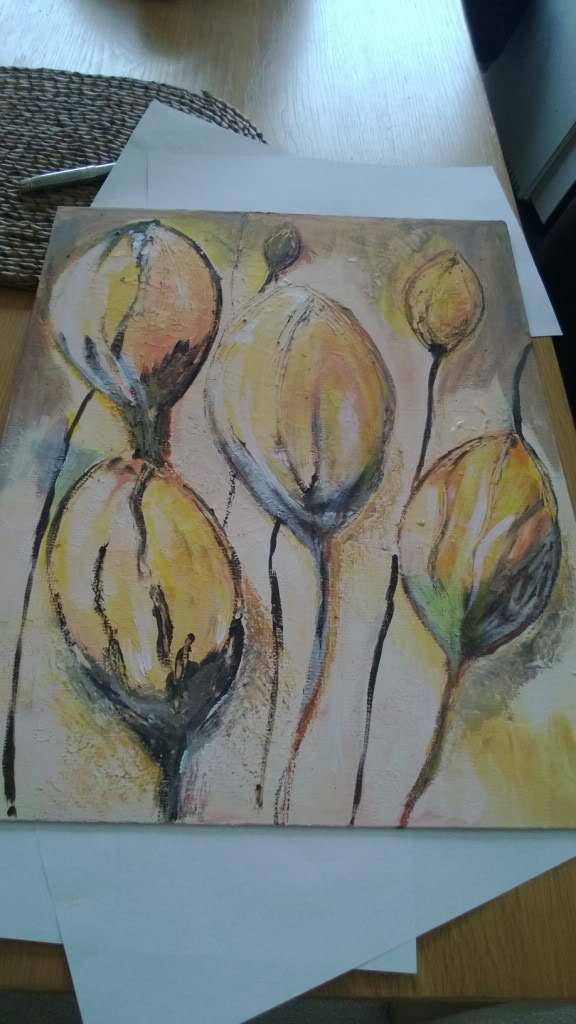
Show us your drawings/artwork

I need to start using my tablet - spent a fortune on a wacom cintiq & now just use paper/pencils/paint.

To me it feels much harder than actual painting or drawing, but it should be easier (as you have CTRL+Z lol).

You just brought back memories of an old clip I used to get fascinated on 4 years or so ago.


So true,

The level of talent for digital art has sky-rocketed in the last 10 years during the time I've been dabbling in it.

Almost why I'm tempted to stick to traditional paintings/drawings (as the talent creep seems much slower!).

While I'd love to do it as a job art, I don't think I've got the time required to get good enough to do it for a living.

Some great artists on here, it makes posting work intimidating lol.

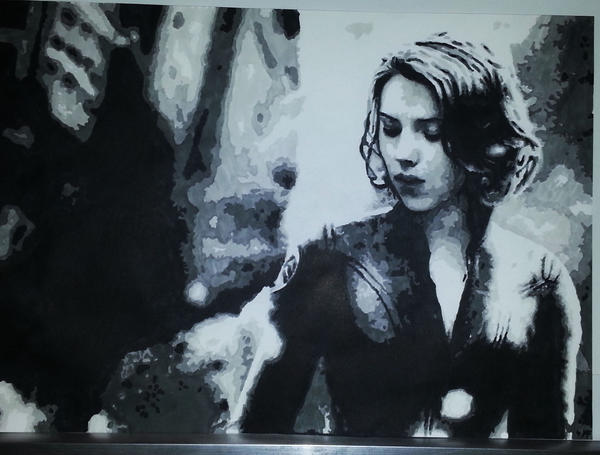
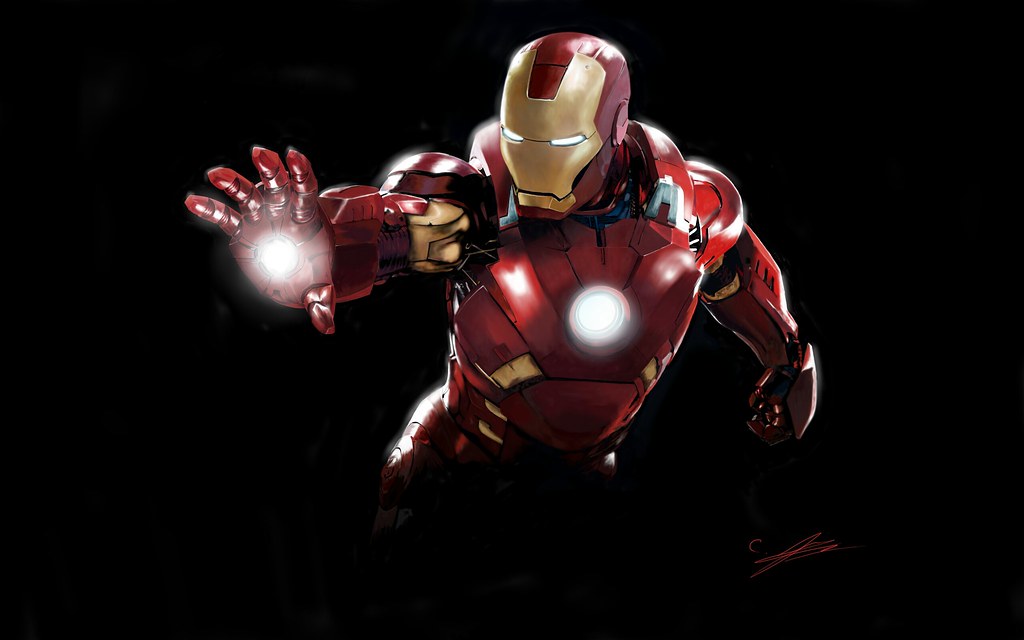
Haven't posted much on here for a bit, (mostly in my charity fundraising thread thing) - but here's my favourites of my last few.

All sketched in pencil, then shaded using promarker art pens.
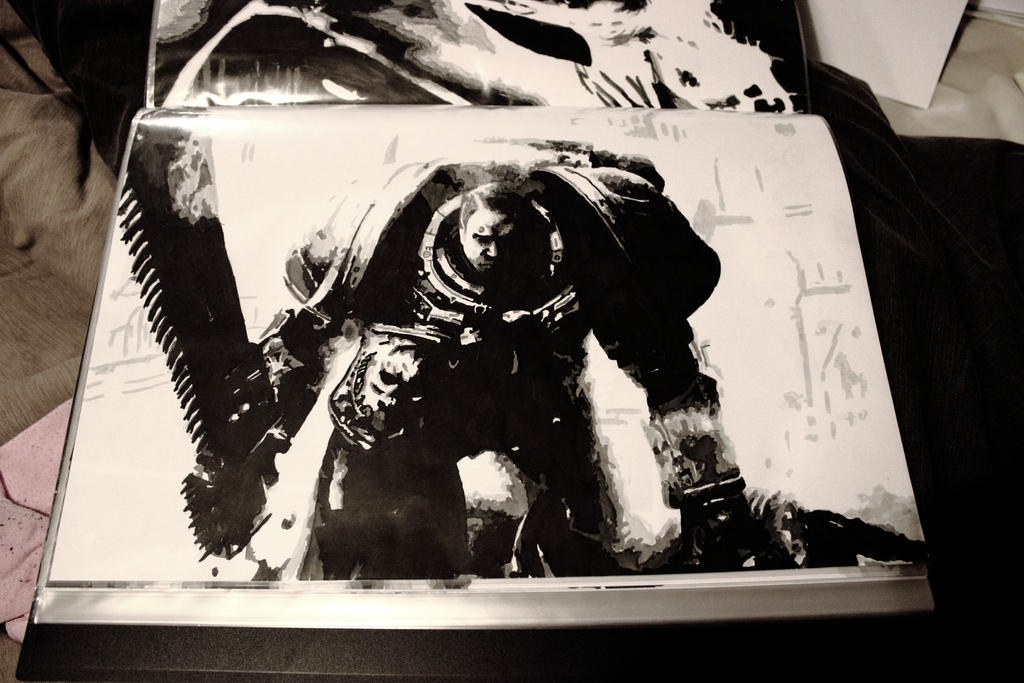
space_marine_by_darkelmarko-d5zgwyx.jpg


black_widow2_by_darkelmarko-d5yy8gm.jpg


These are great!
 
Last edited:
Thanks :), it's pretty basic really - just black & 4 greys - but as long as you take ages getting the darkest shades in the right place it looks right - the rest you can make up as you go along pretty much & nobody notices when it's all misplaced lol, only on eyes can you really mess it up easily.

The excellent ones above by Lance are considerably harder (by a factor of over 9000!)
 
You still make them really pop! They must look great in white frames. Like the Tiger.

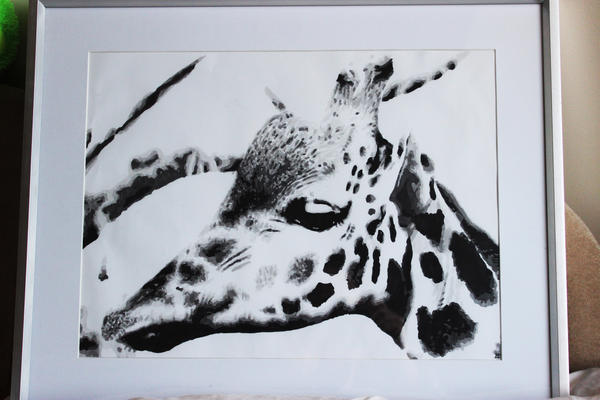
Two more recent drawings.

griffe_by_darkelmarko-d63qd65.jpg

Like that. That is classy. Looks like something you'd get out of an art shop. Very elegant.
 
Last edited:
Thanks :), but they look better at a distance lol

Now I need to spend some hard time learning the basics to get better tbh (much I need to learn) if only I hadn't just purchased a nice new acoustic guitar... (going to be hard to find the time!)
 
Thanks :), it's pretty basic really - just black & 4 greys - but as long as you take ages getting the darkest shades in the right place it looks right - the rest you can make up as you go along pretty much & nobody notices when it's all misplaced lol, only on eyes can you really mess it up easily.

The excellent ones above by Lance are considerably harder (by a factor of over 9000!)

You make it sound easy :p started drawing/shading the rear of a Porsche the other night based on a picture in your style, no idea where to start, what to shade!

 
Just play around with the picture in photo-shop, I turn it black & white & whack up the contrast, bleed out most of the tones till it's basic to draw - takes a while but it makes it more obvious as to where to shade.

I find an online reference, prepare it in photoshop (whack up the contrast, brightness) bleed the tones/colours - size it to equal that of my paper (A3) so I know it will fit correctly - then I use the old "penicil & thumb in the air" method of measuring the key points (eyes, nose, top of hair, chin if i was doing a person) - quickly gesture draw the rough outlines, redraw it a little more accuratetly & block off the black - rub out the rest of the pencil marks then fill it in.

Takes a while to get used to the prepping method, but it helps a lot as it allows you to only see 1 tonal range at once - to get the black I only see the black in my reference picture when drawing it.
 
My private reference tiger photo (from my brother, he's pretty good!).

oEOel7c.jpg

Cropped to fit A3 say.

MlWx3fb.jpg

Black & White to bleed colour.

iDf4f2R.jpg

High contrast version to bleed most the tones

(this is what I'll aim to have the final bit look like & I'll use this as my shading reference).

I'll use this to do the very basic outline & use the one below to do the black layer detail.

MOPdMZ3.jpg

This is the one I'll use as my reference to get the black layer as it's hard to disinguish the darkest grey & black otherwise.

q6vwnB9.jpg

Please keep images to 1280px wide or lower. You can also post in spoiler tags like I've done for you - Rilot
 
Cool cheers man, I'll see what I can do. If its good enough I'll post something up ;)

Edit: that second post helps a lot mate, I'll have a play now
 
Just do loose pencil sketches at each stage, gradually increasing the accuracy of the basic outline/positioning should do it & keep redoing it until it looks right on key parts - don't worry too much about say the fur for the example above - just get the eyes in the exact right position & work outwards :), but I'm an amateur myself so take it with a pinch of salt.

I just break things down to there component parts (colour wise) - I'm learning on how to do it with shapes too to make the drawing phase quicker as I spend a couple of hours getting the sketch just right - then usually 2 or 3 more doing the shading.
 
I used to really enjoy drawing as a child, stopped doing it though as I grew into my teens.

This thread has given me impotence to go out and start drawing again.

Here are two of our most iconic figures, Big Ben and the Queen.

CB8VPmS.png


6hgOmNj.png
 
Do any of you guys have lap trays/portable easels you use? I just have a sketch book and one of those things you use to put on your lap for your dinner plate at the moment :p

Anyone recommend anything?
 
Something from myself , basically a copy of a photo.

20130509_221503_zpsdd4f8cc9.jpg


I absoloutely hate shading :( terrible at it. I need to also start drawing without looking at something.

 
I decimated the high poly to ~20%, imported parts of it into 3DCoat and 3DS Max to retopologise and make the low poly. I then used X-Normal to bake the detail from the decimated sculpt onto the new low poly geometry.
 
Back
Top Bottom